1. First, log into Ascriptica
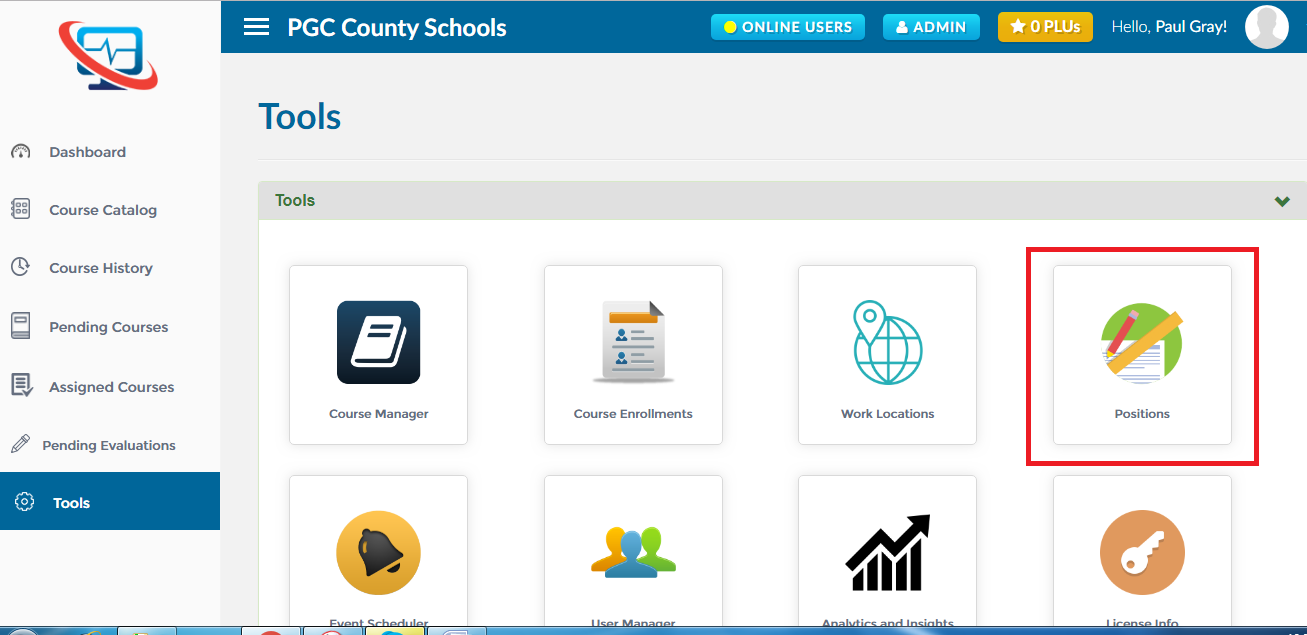
2. Click on ‘Tools’ from the menu on the left.
3. Click ‘Positions’ as shown below to open the module.
1. First, open the Positions module. Click here to find out how to open the positions module.
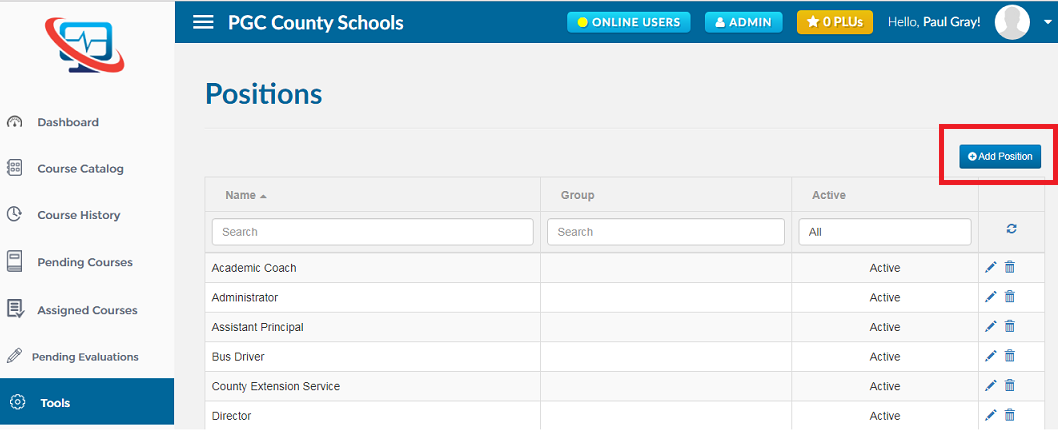
2. Click on ‘Add Position’ button as shown below
1. First, open the Positions module. Click here to find out how to open the positions module.
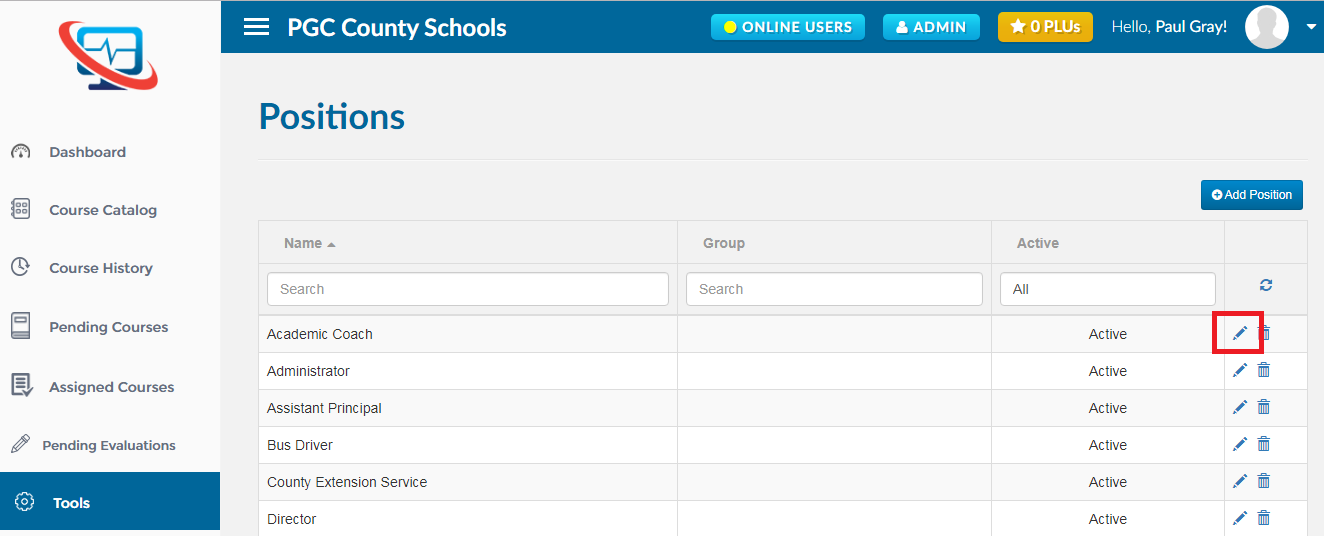
2. Find out the Position in which you want to make changes and click on the ‘Edit’ icon as shown below
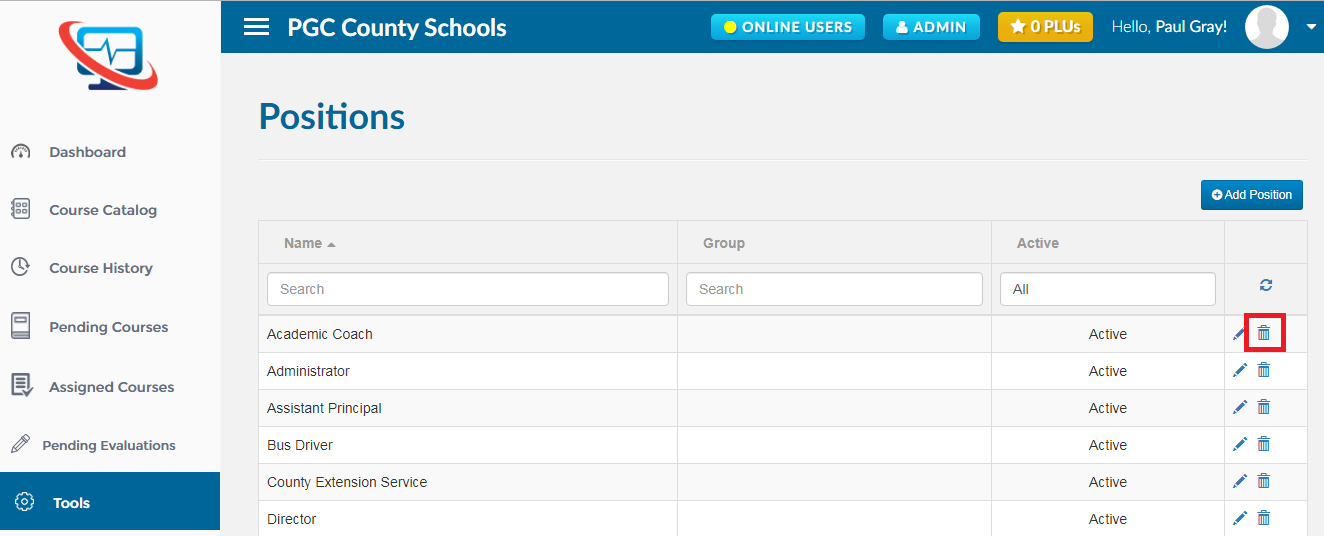
1. First, open the Positions module. Click here to find out how to open the positions module.
2. Find out the Position you want to delete and click on the ‘Delete’ icon as shown below.