- First, log into Ascriptic
- Click on Pending Evaluations from the menu on the left.
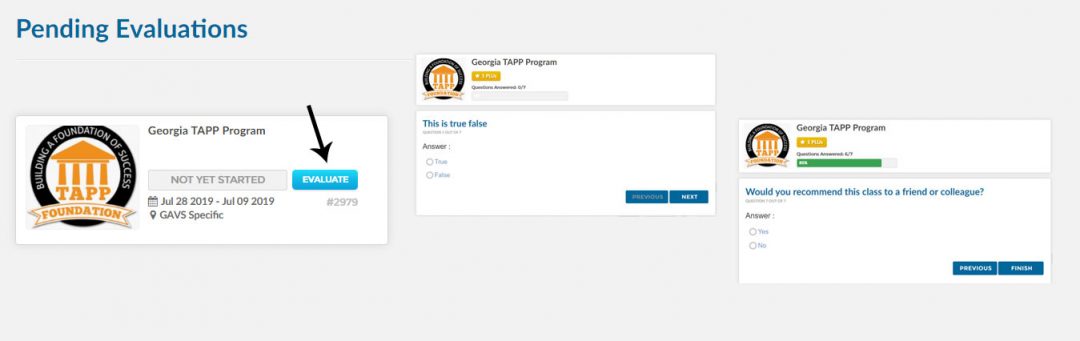
- You will see all courses where evaluations are still pending.
- First, log into Ascriptica
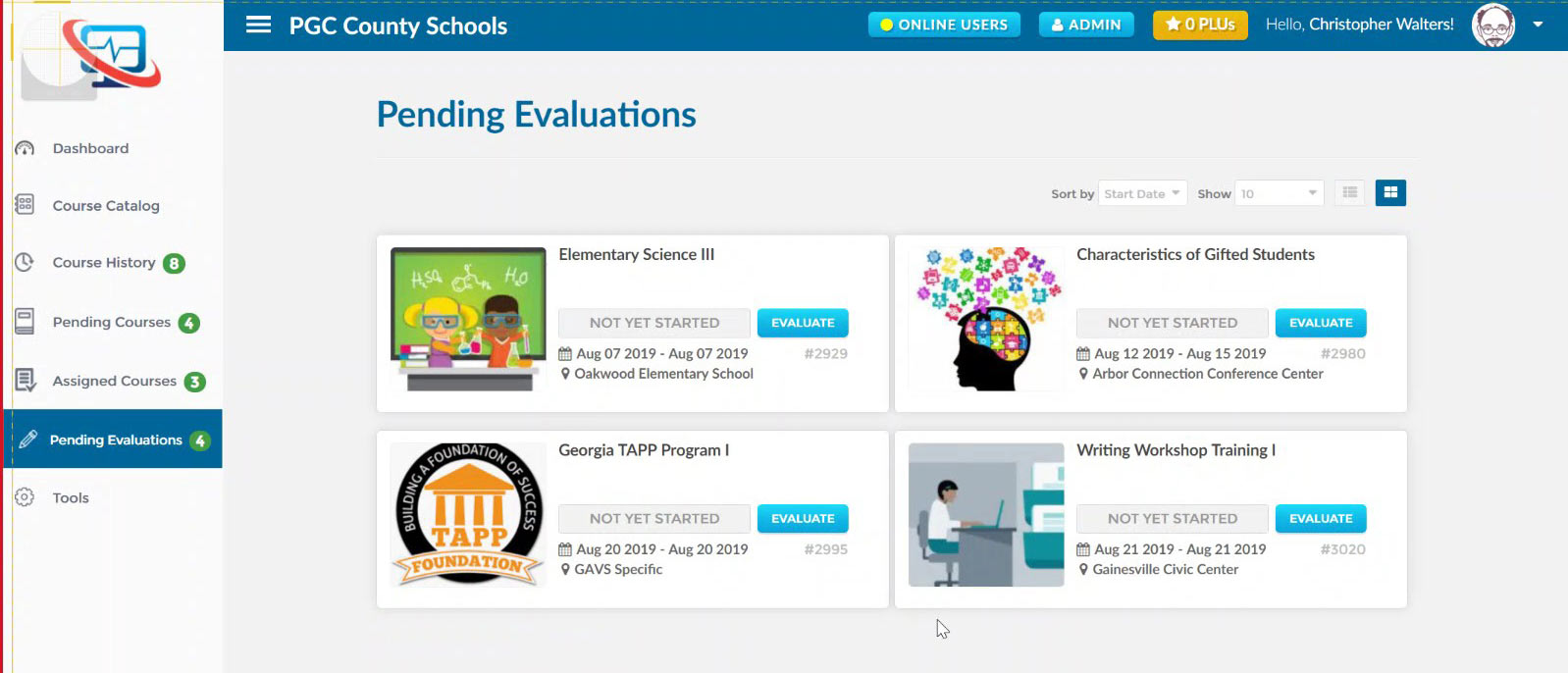
- Click on Pending Evaluations from the menu on the left.
- You will see all courses where evaluations are still pending
- Click on Evaluate. Follow the steps. Submit.