1. First, log into Ascriptica
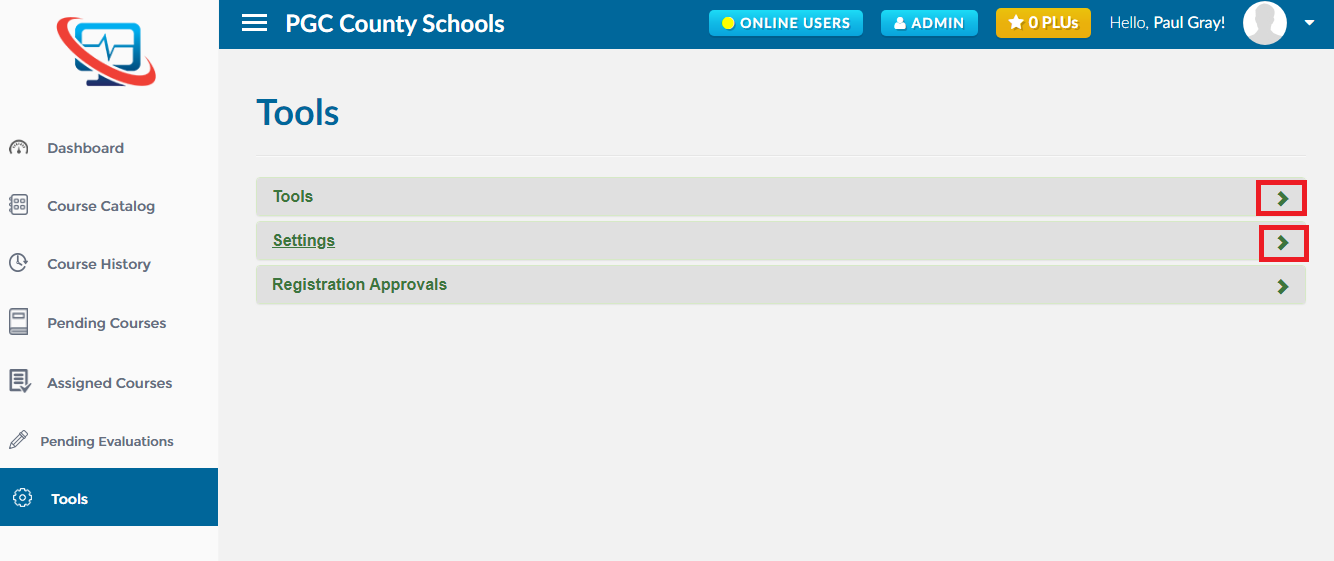
2. Click on ‘Tools’ from the menu on the left.
3. By default, the ‘Tools’ tab is open, close that and open the ‘Settings’ tab as shown below
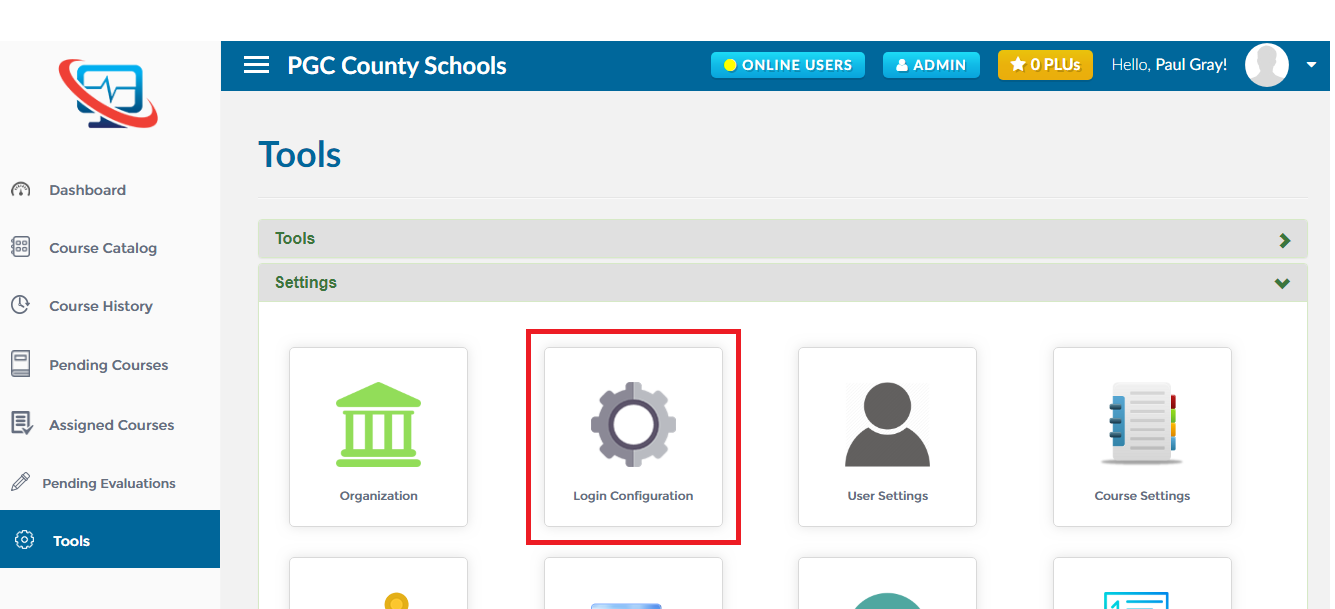
4. Click on ‘Login Configuration’ as shown below to open the module.
5. This will take you to the ‘Login Configuration’ wizard which will guide you through the steps of configuring the login details.
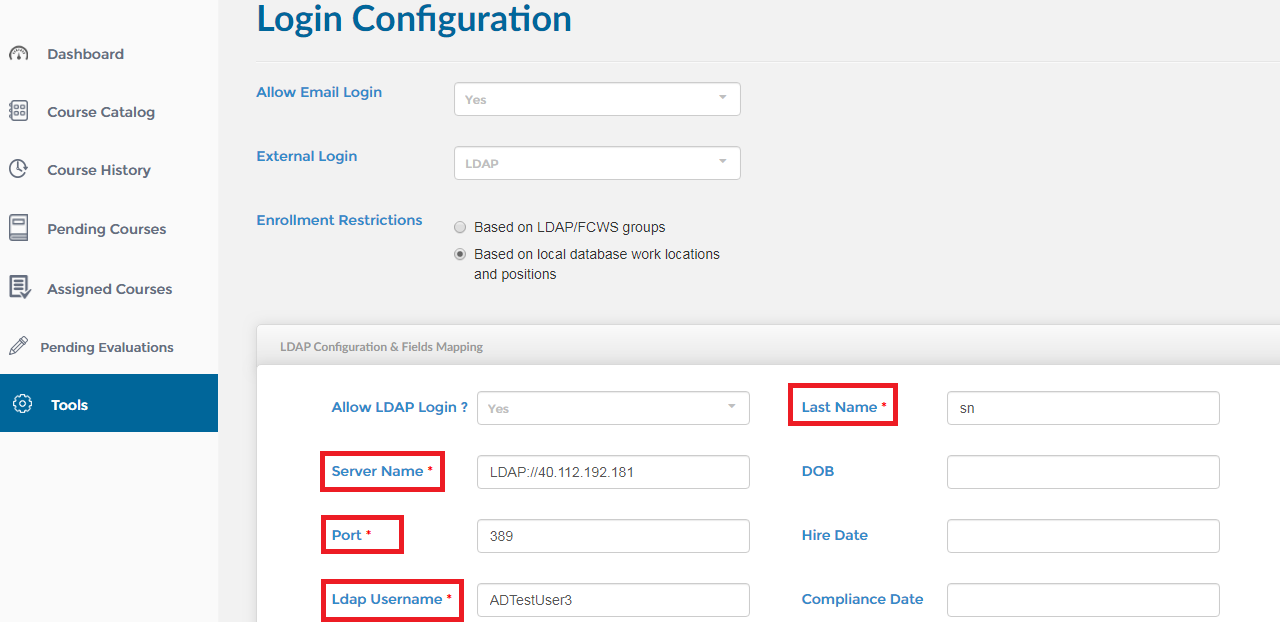
6. All required fields are marked with an asterisk as shown below