Overview
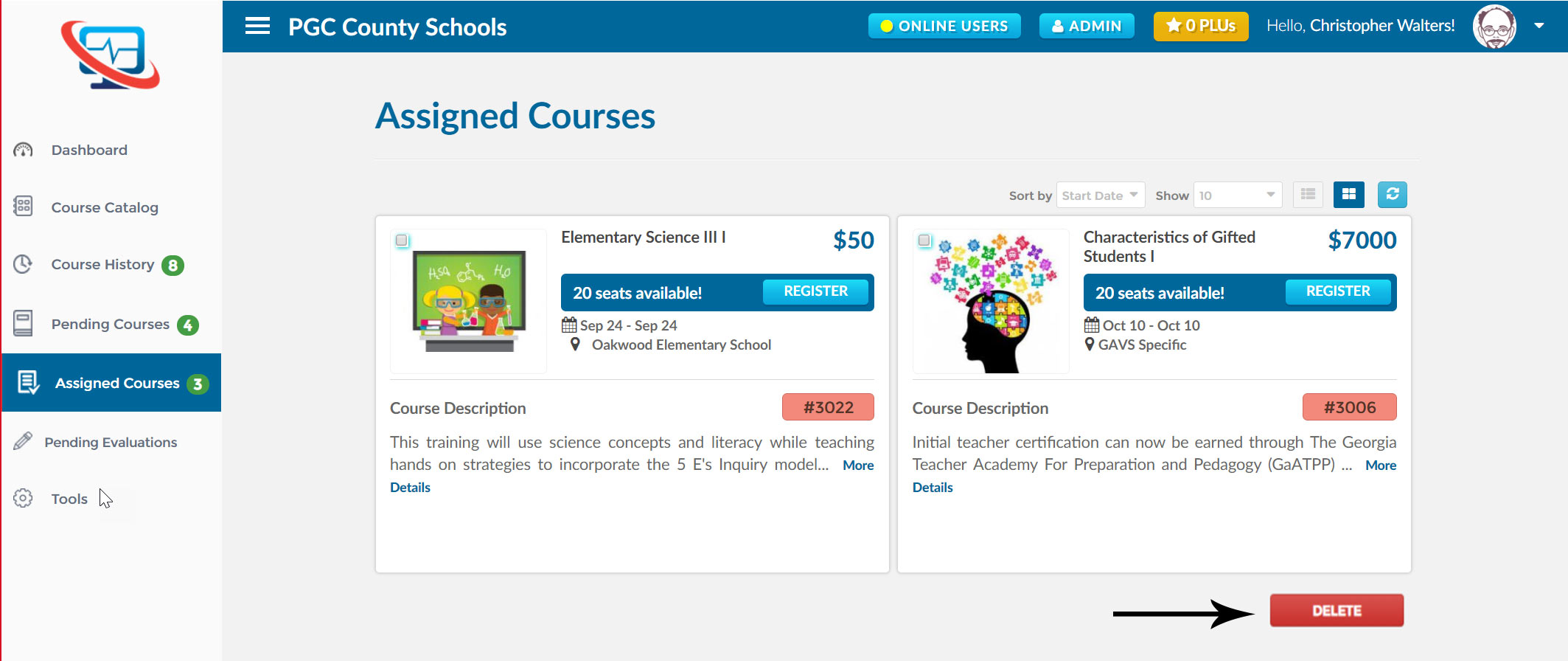
In this section you will find all the courses that you have been assigned, but have not yet started. You will also be able to delete your assigned courses in this section.
In some cases an organization may directly assign/recommend courses a registrant should take. Once the course is assigned, you will see it in your list of assigned courses. At that point you can register for the course at your convenience.
How do I find my assigned courses?
- First, log into Ascriptica
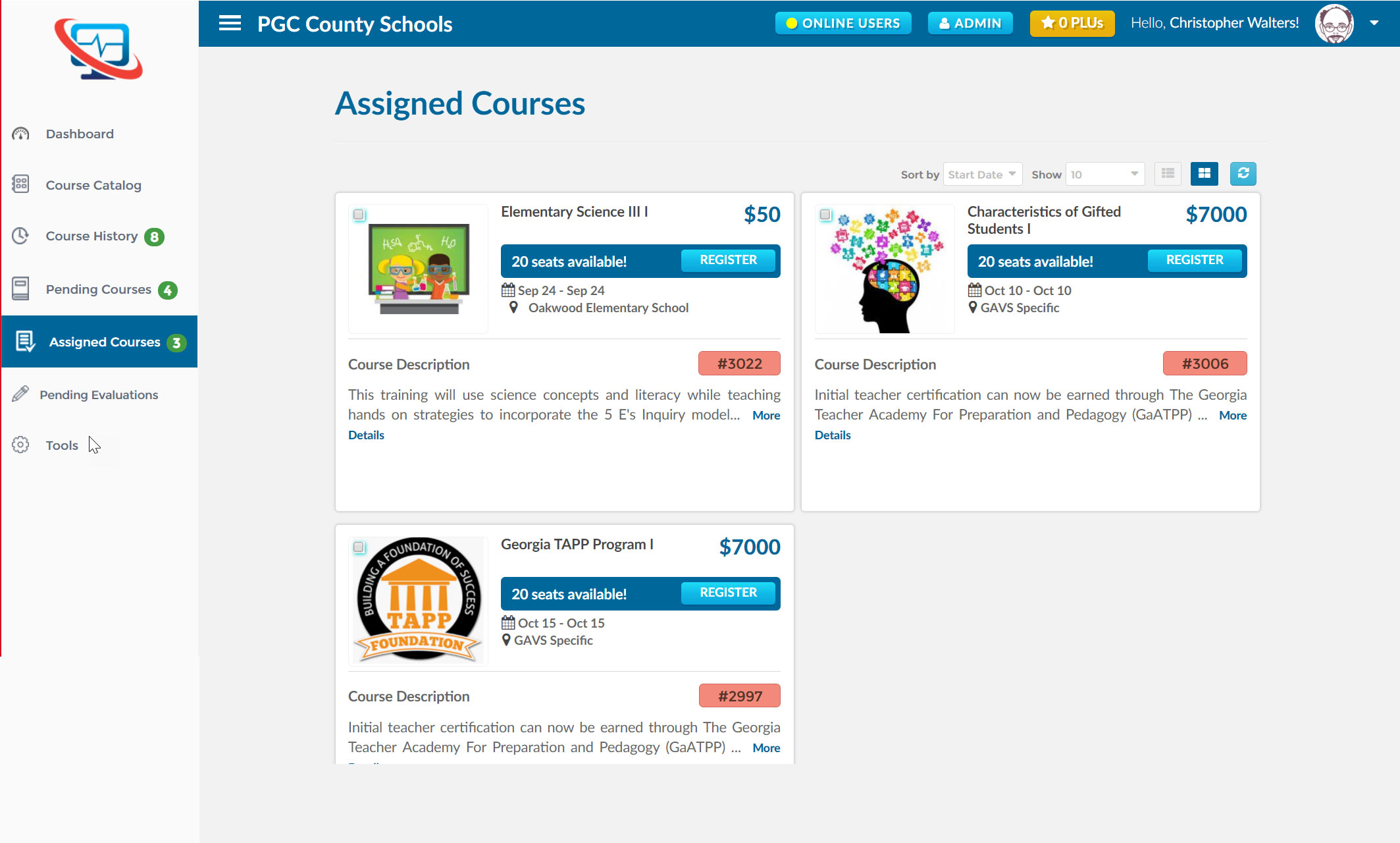
- Click on Assigned Courses from the menu on the left.
- You will see all courses that you are currently assigned to.
How do I delete my assigned courses?
- First, log into Ascriptica
- Click on Assigned Courses from the menu on the left.
- You will see all courses that you are assigned to.
- Click on the checkbox on the class you want to delete. Press delete button.