1. First, log into Ascriptica
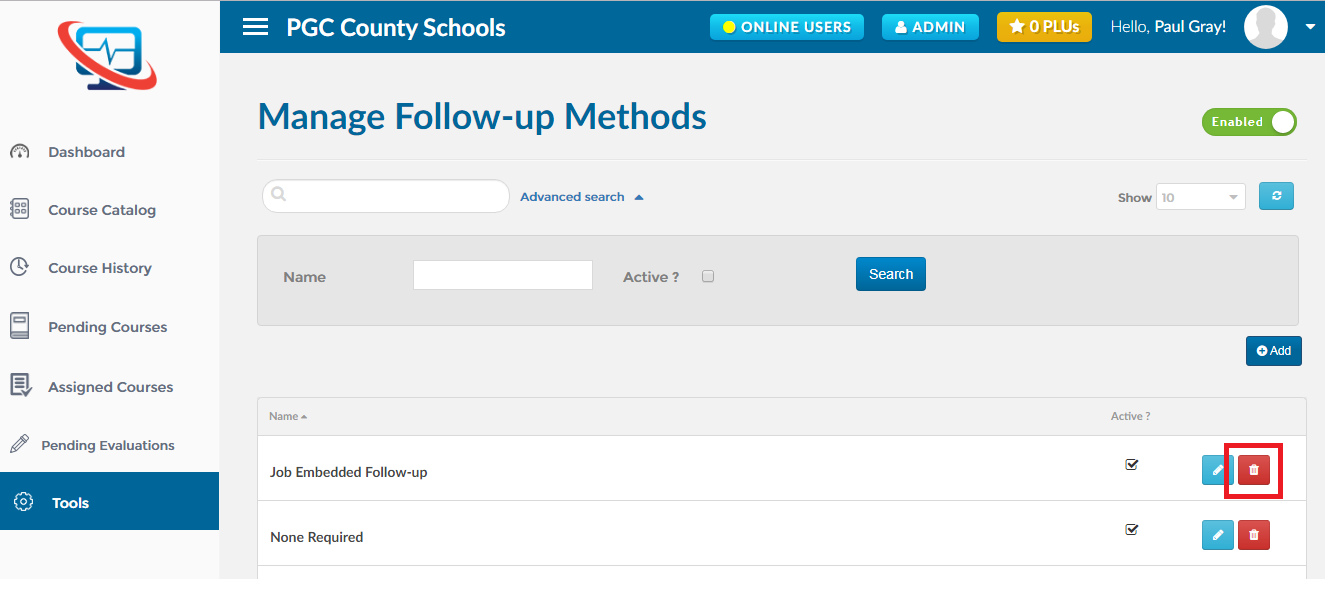
2. Click on ‘Tools’ from the menu on the left.
3. Click on ‘Follow-up Methods’ as shown below to open the module.
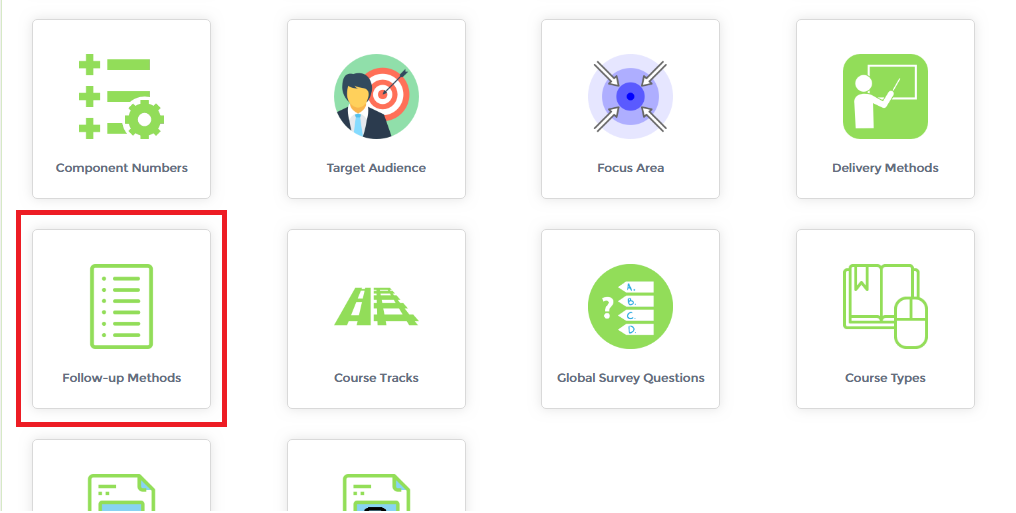
4. You may also search using one or a combination of the fields listed below:
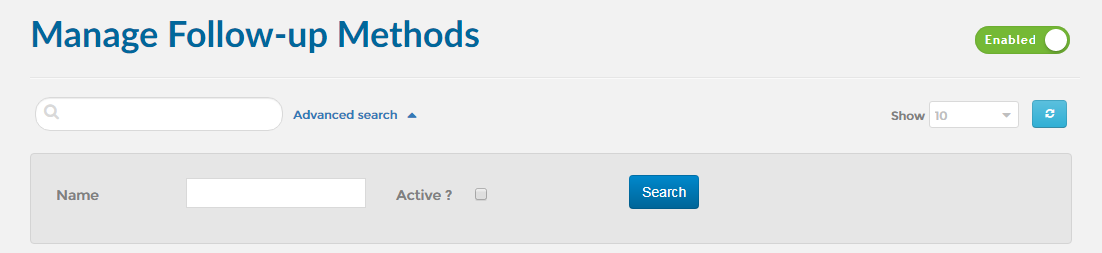
1. First, open the ‘Follow-up Methods’ module. Click here to find out how to open the ‘Follow-up Methods’ module.
2. Click on the ‘Add’ button as shown below.
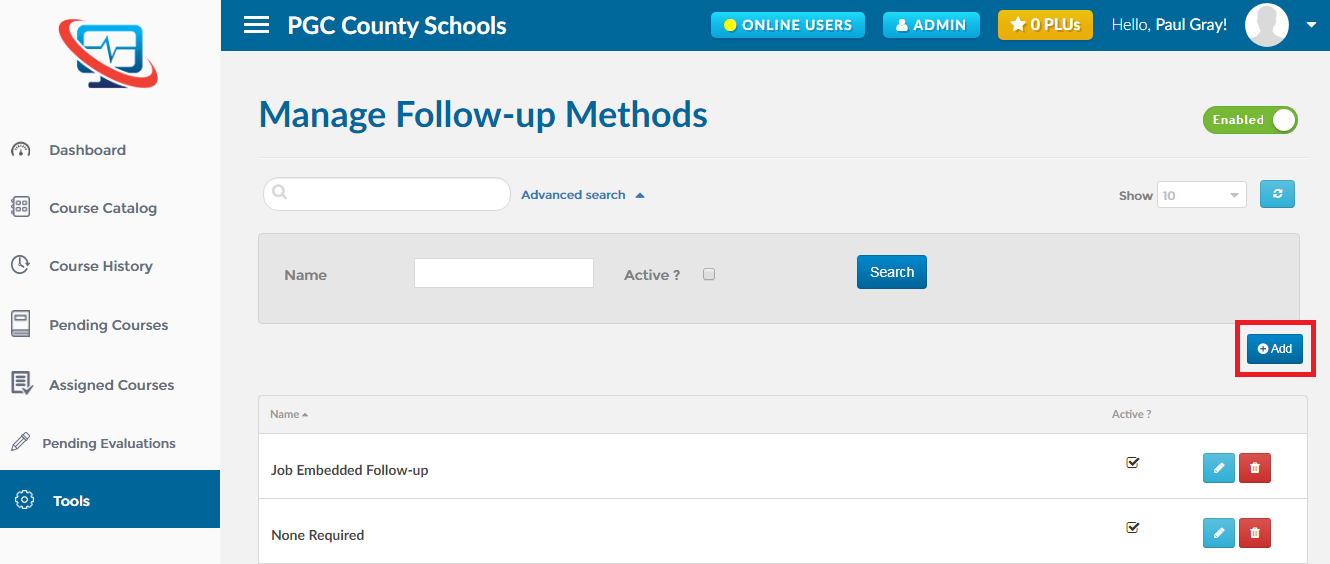
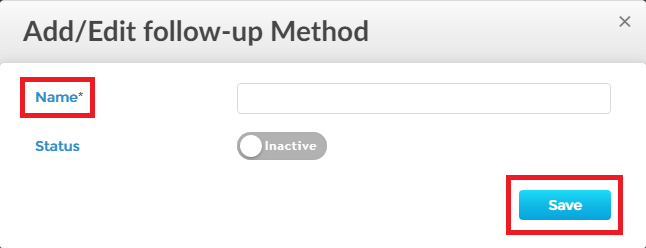
3. This will take you to the ‘Add/Edit Follow-up Method ’ wizard, fill out the required information and click on the ‘Save’ button as shown below:
1. First, open the ‘Delivery Method’ module. Click here to find out how to open the ‘Follow-Up Method’ module.
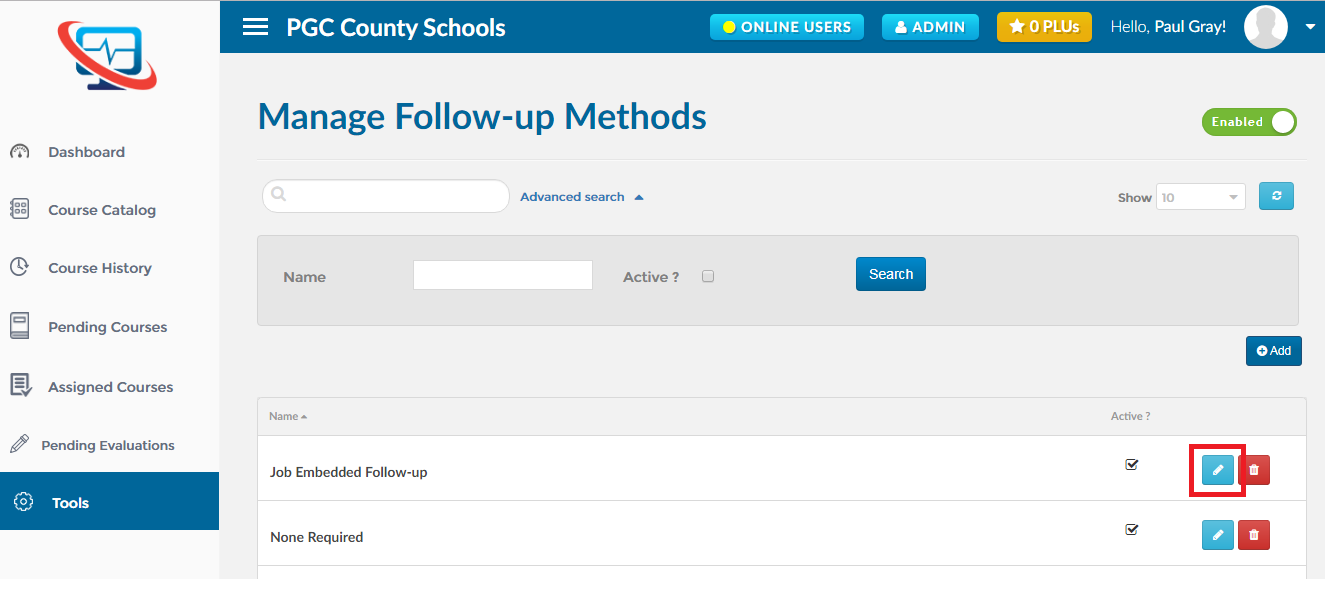
2. Find out the ‘Delivery Method’ you want to edit and click on the ‘Edit’ icon as shown below.
1. First, open the ‘Follow-up Methods’ module. Click here find out how to open the ‘Follow-up Methods’ module.
2. Find out the ‘Follow-up Method’ you want to delete and click on the ‘Delete’ icon as shown below.